
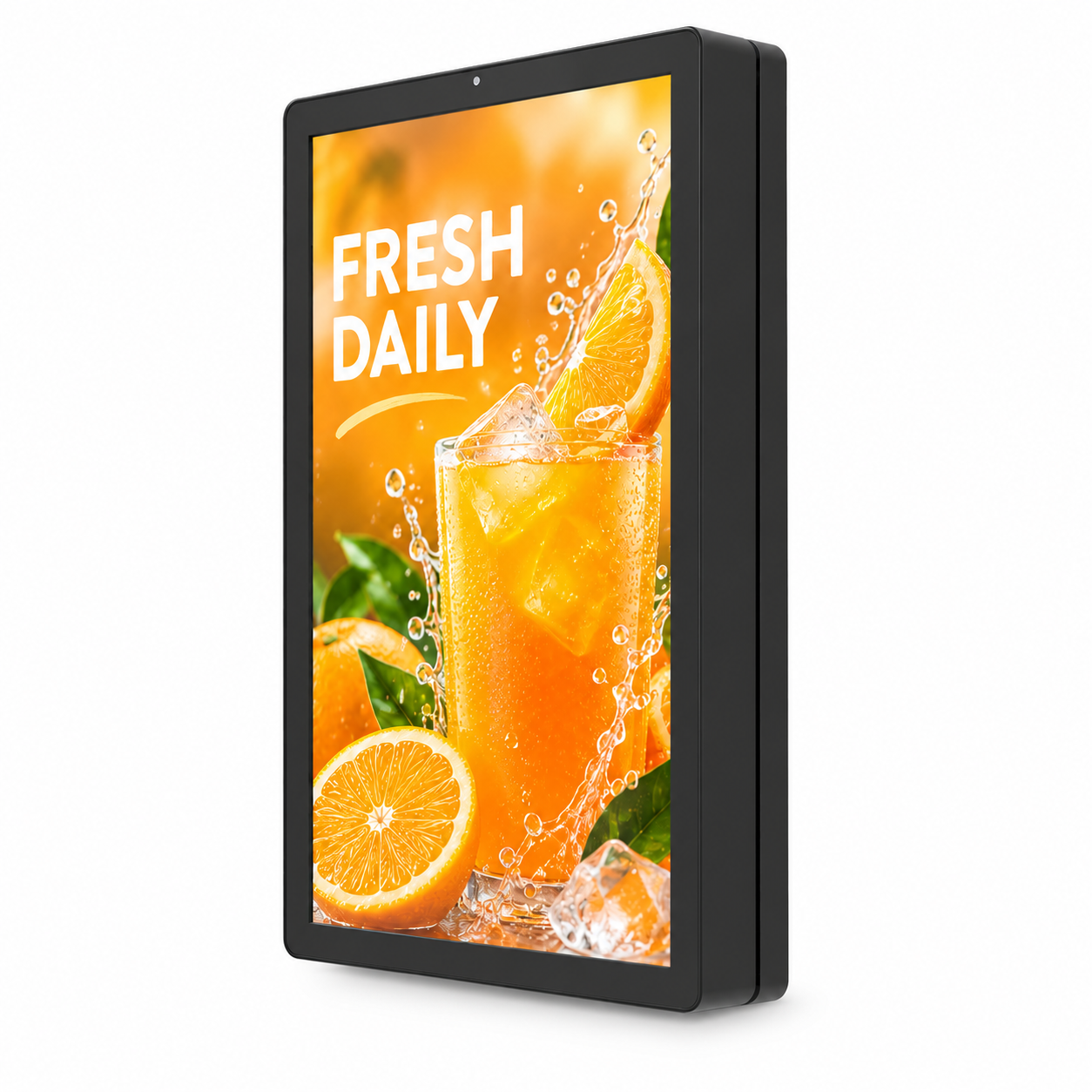

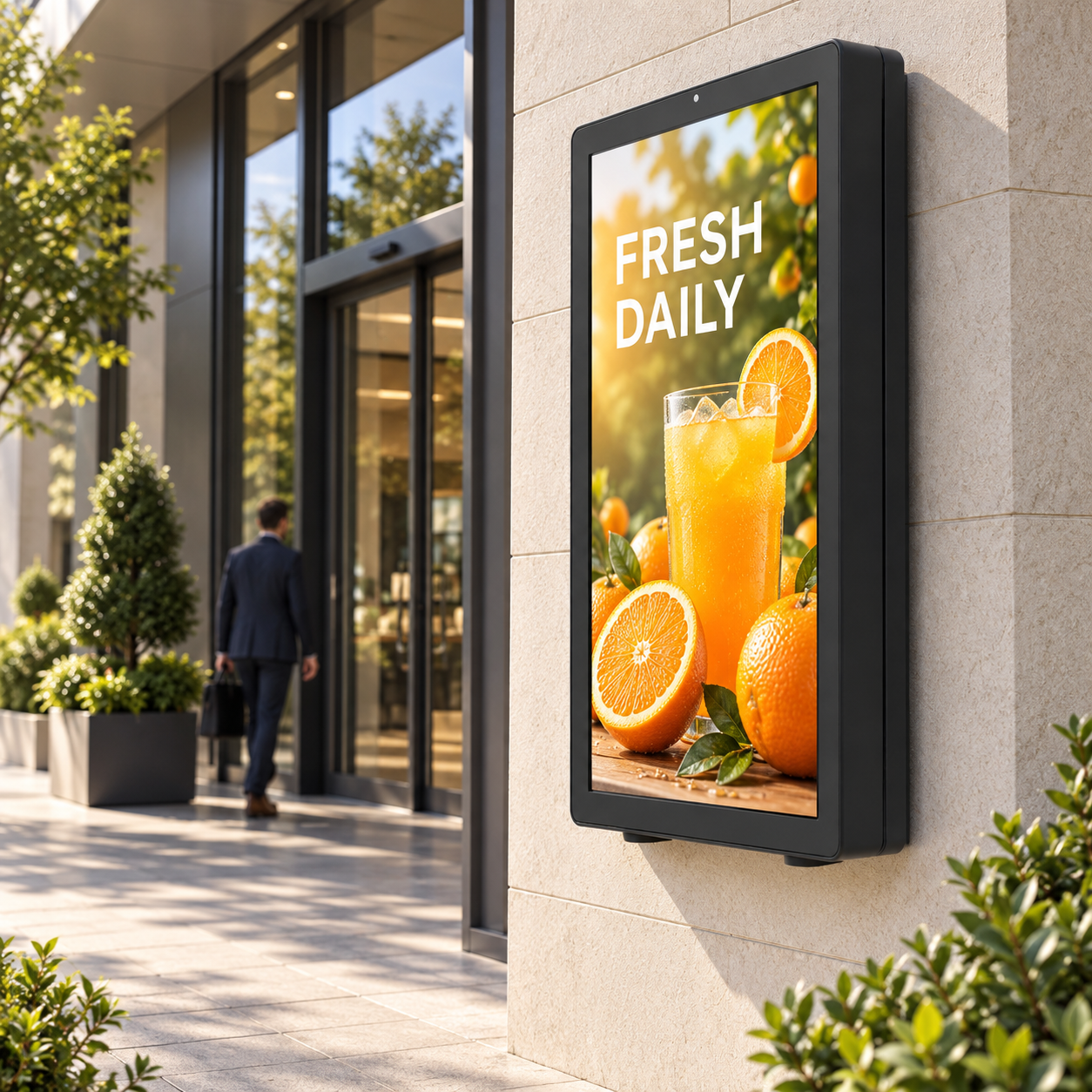
Product Overview
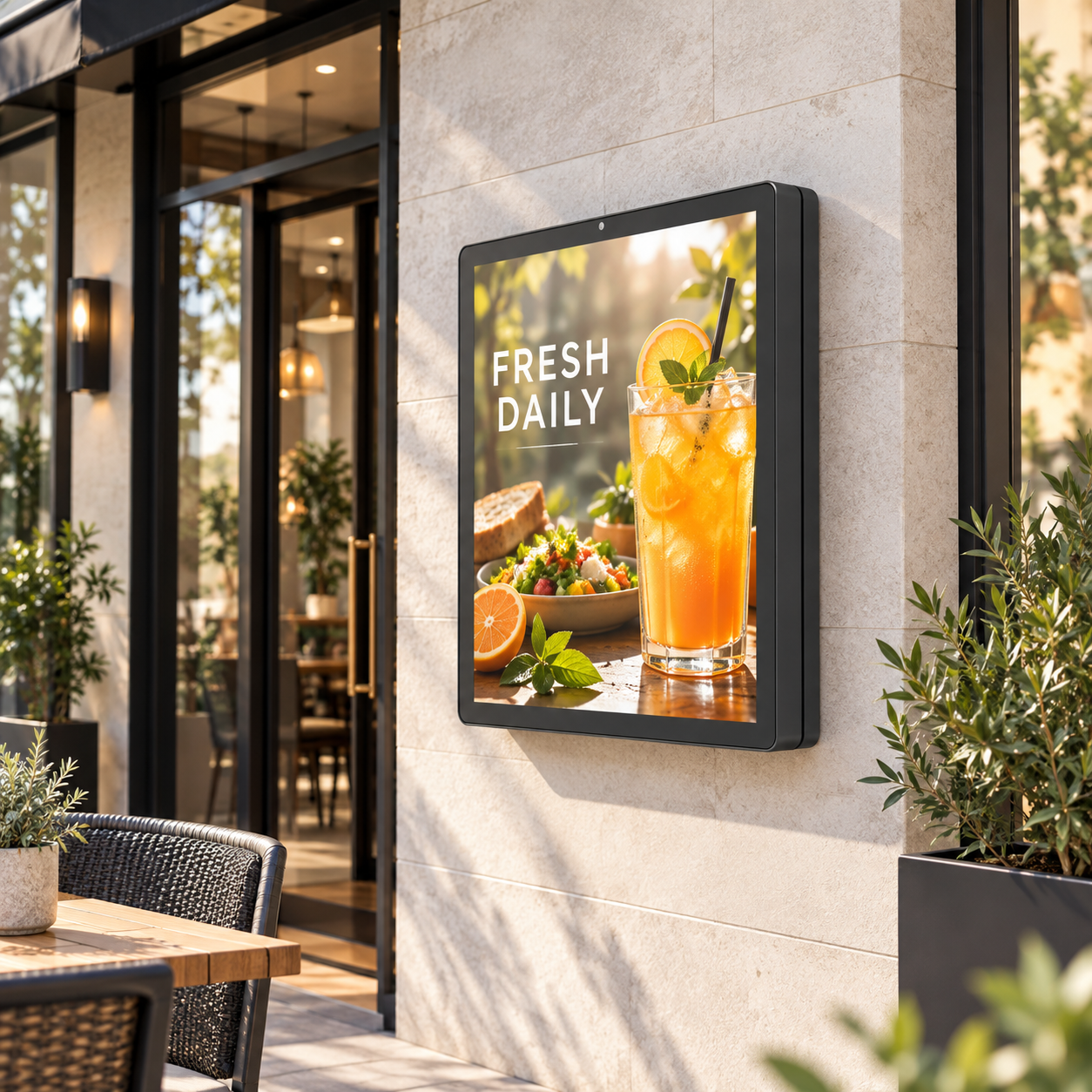
Picture your latest campaign beside the entrance, a vibrant menu outside your restaurant, or clear visitor information on the wall of your building.
A display that fits the space, complements the architecture, and brings your content into view.
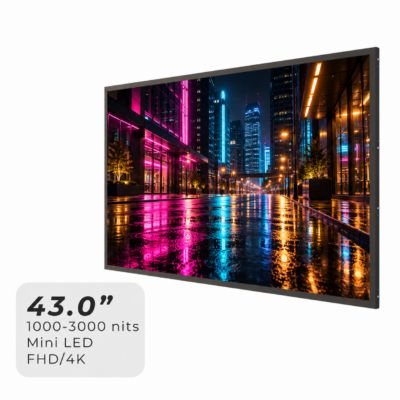
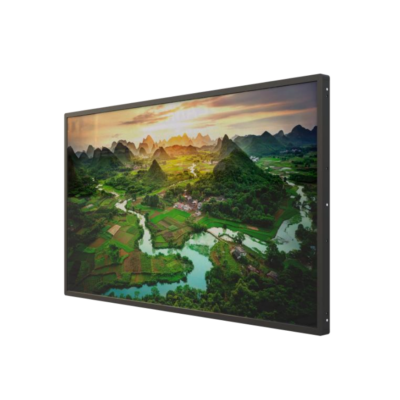
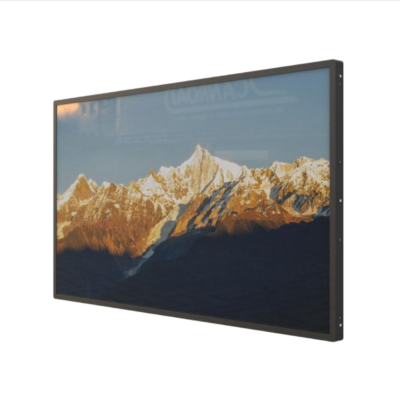
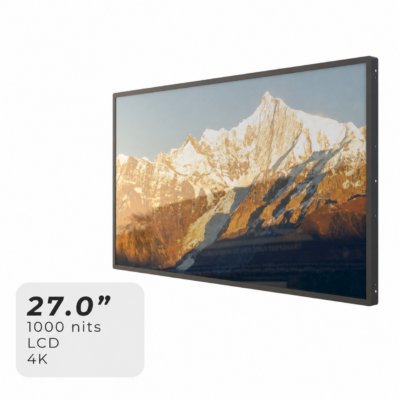
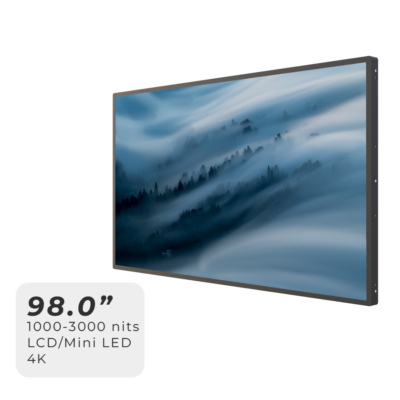
Hyulene’s Custom Outdoor Wall-Mounted LCD Displays combine high-brightness LCD technology with project-specific enclosures and mounting configurations.
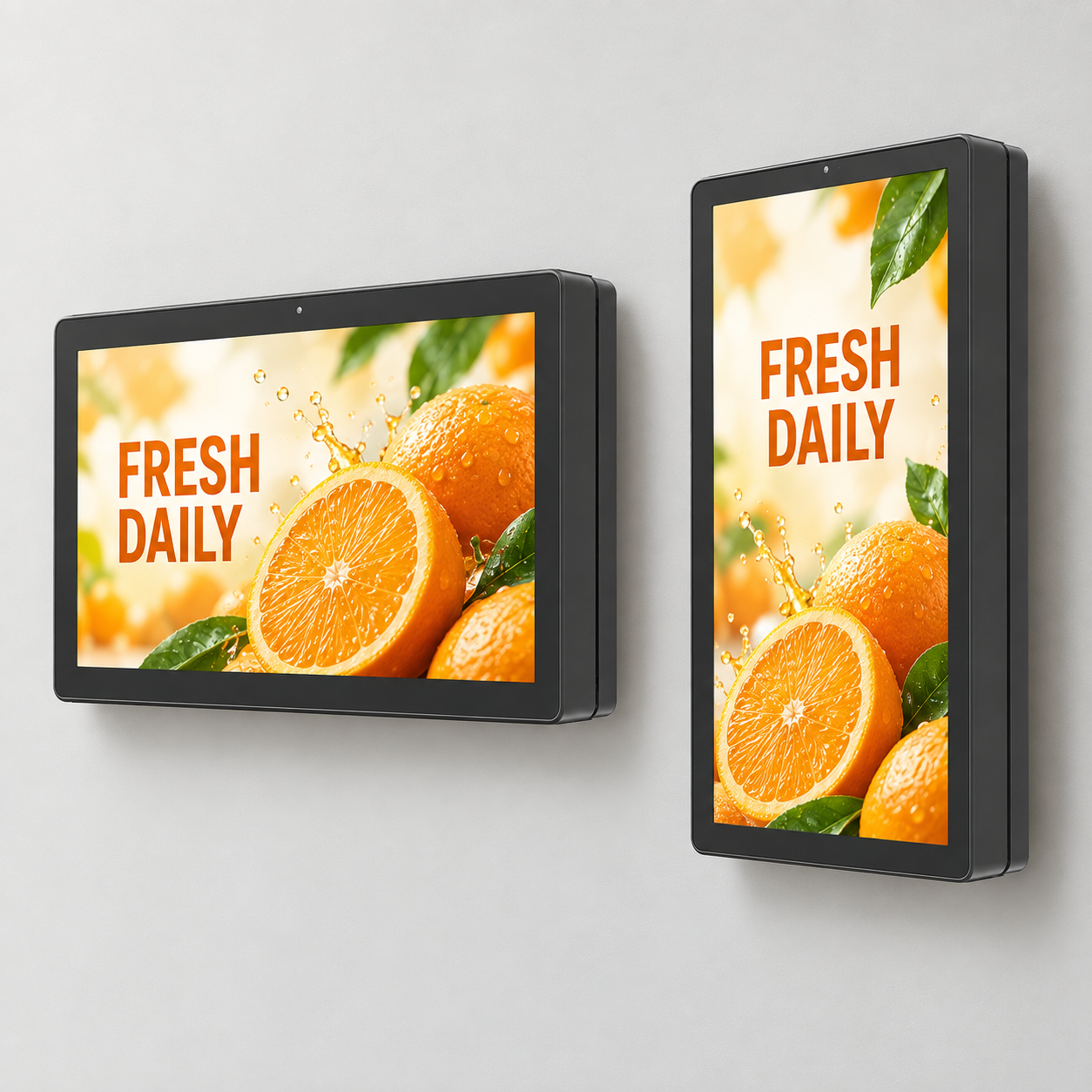
Screen size, orientation, cabinet finish, front glass, and playback options can be selected around your application.
Whether you are developing a single branded location or planning a consistent display installation across multiple sites, we help bring the appearance, display configuration, and installation details together.
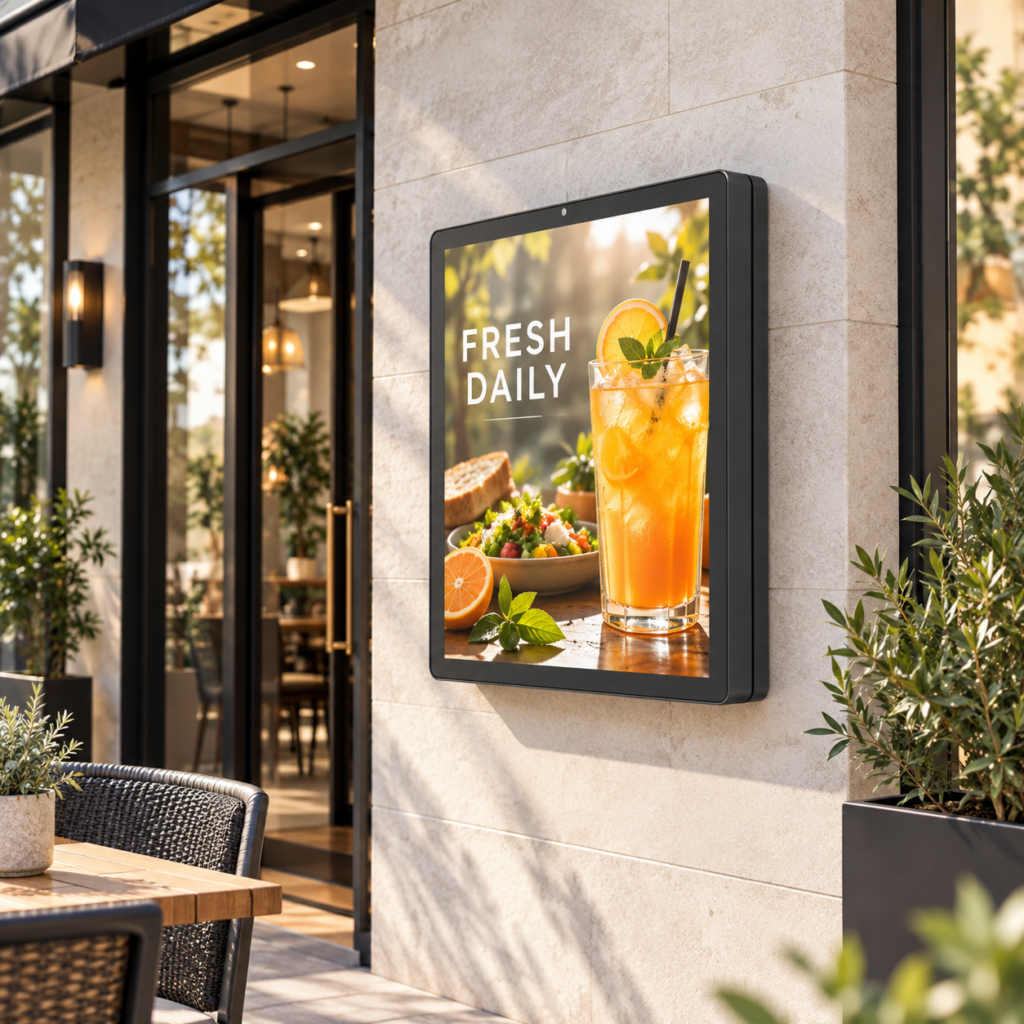
Give Your Wall a Role in Your Brand
- Make the Entrance Feel Complete:
Bring promotions, menus, or welcome information into the space where visitors approach your business.
Choose a display layout that feels naturally integrated with the building. - Keep Ground Space Available:
A wall-mounted arrangement places the display on the building surface while keeping the surrounding floor area available for circulation and other uses. - Present Your Content in Bright Conditions:
Select a high-brightness LCD platform, suitable front glass, and optional automatic brightness control around the daylight conditions at your site. - Match the Look of Your Location:
Coordinate the cabinet color, frame proportions, orientation, and branding details with the storefront or architectural finish. - Plan Beyond the Front View:
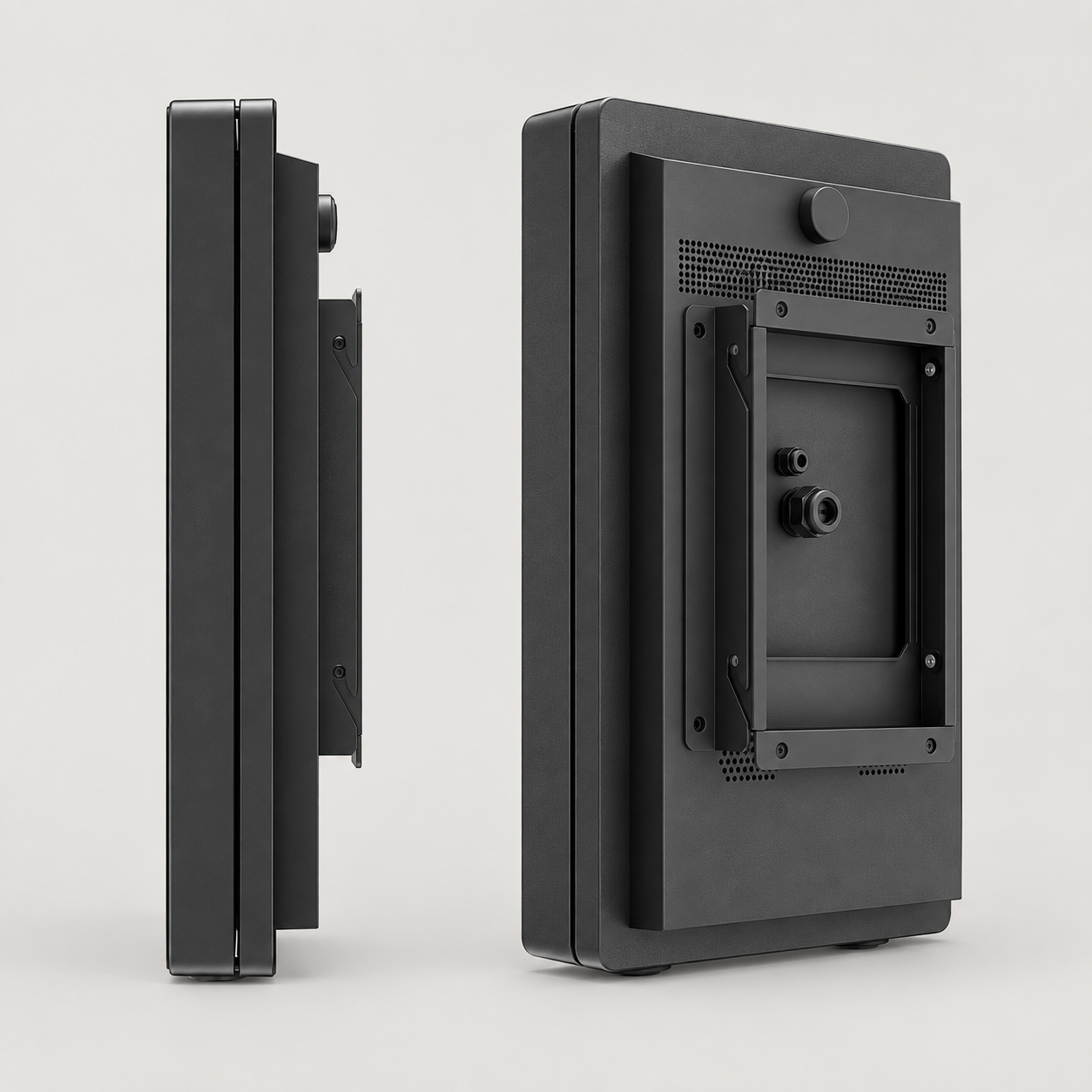
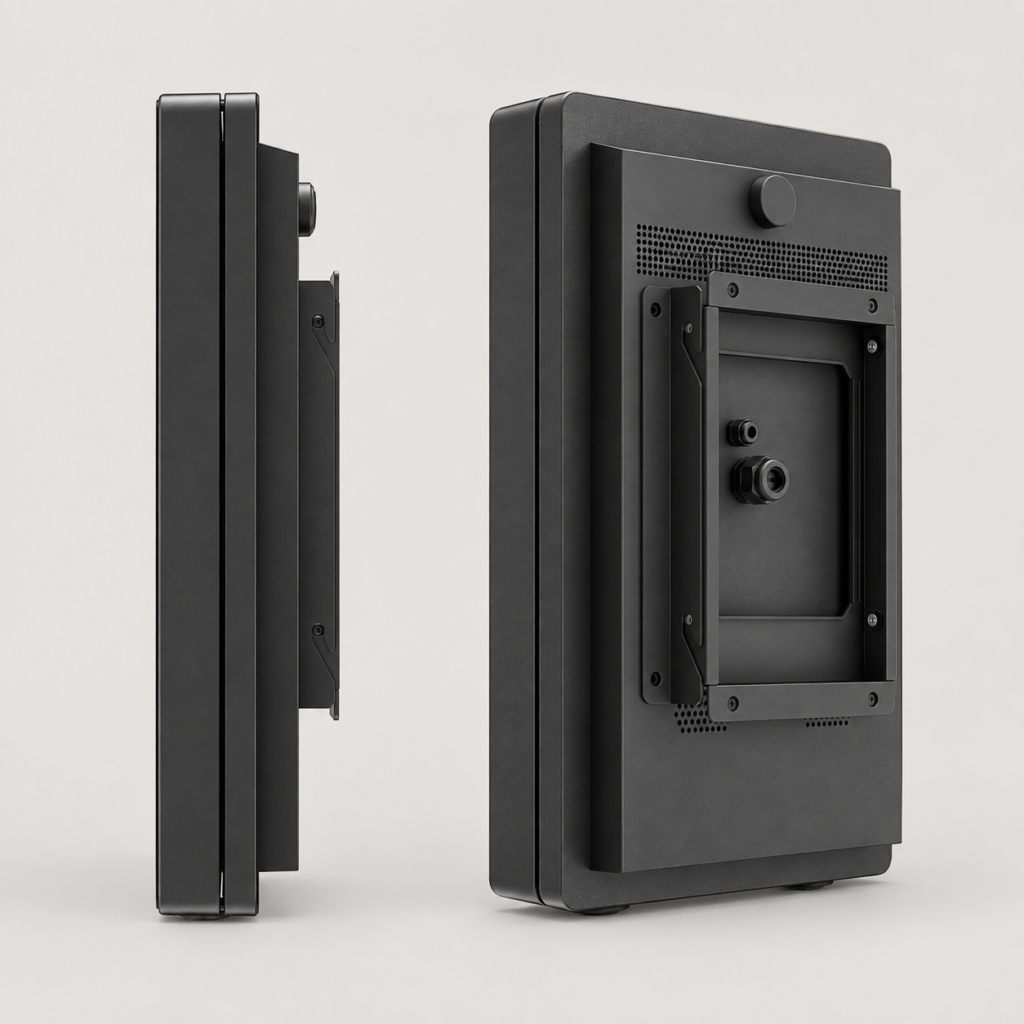
Work through bracket requirements, cable entry, wall clearance, and service access as part of the configuration.
Configure the Display Around Your Wall
The available wall space is only the starting point.
Viewing distance, sunlight direction, content layout, and maintenance access all help shape a suitable display solution.
| Customization Item | Configuration Options |
|---|---|
| Screen Size & Orientation | Select the LCD size and landscape or portrait layout around the available wall space and content requirements. |
| Brightness & Resolution | High-brightness configurations and resolution options according to the selected LCD platform. |
| Enclosure & Appearance | Cabinet dimensions, frame design, color, surface finish, and logo placement. |
| Wall Mounting | Bracket arrangement, fixing positions, and service clearance coordinated with the installation requirements. |
| Cable Routing | Cable-entry position and connection access planned around the wall and power or signal locations. |
| Playback & Control | HDMI input or Android / Windows configuration to suit the content system. |
| Glass & Interaction | Front-glass treatment, optical bonding, and optional PCAP touch according to the selected platform. |
| Outdoor Operation | Enclosure protection, thermal configuration, and optional ambient light sensing selected around the site conditions. |
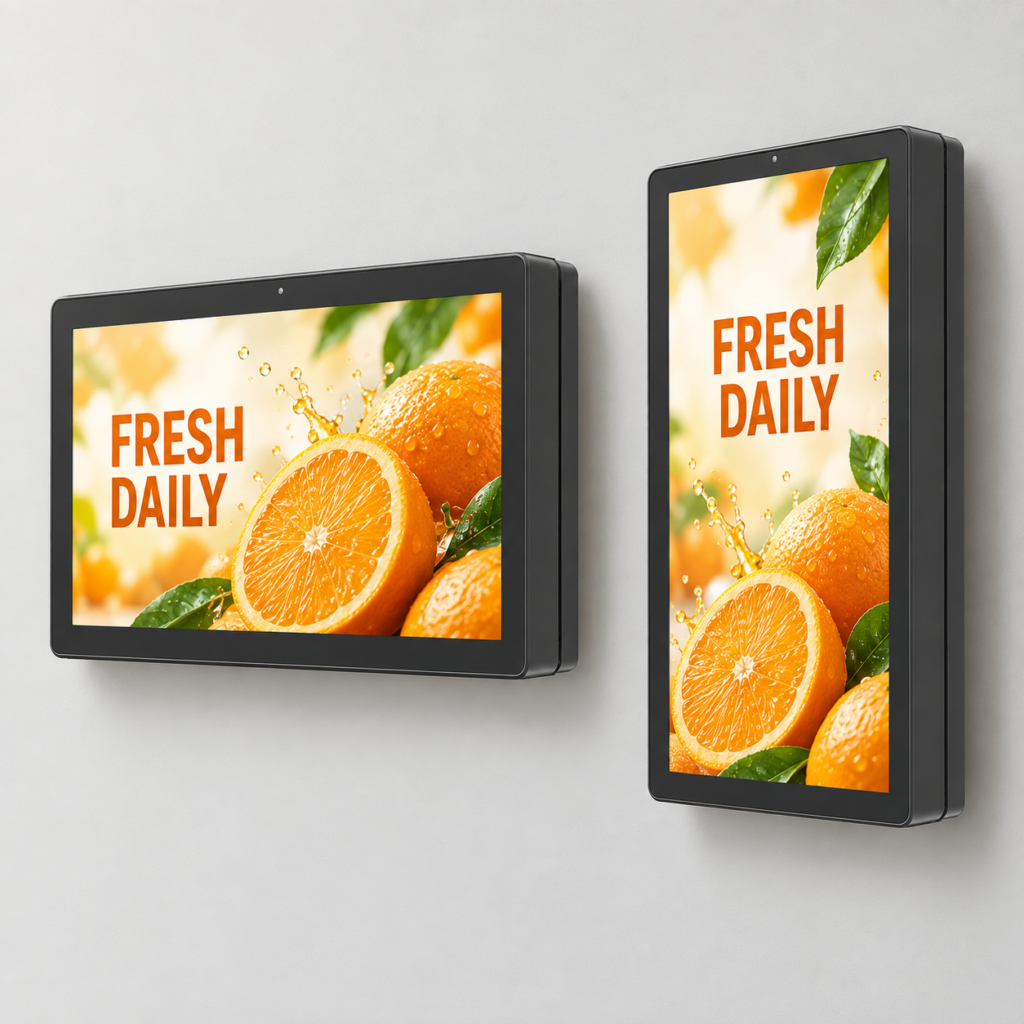
Where Would Yours Make an Impression?
- Restaurant Exteriors:
Present menus, featured dishes, and seasonal offers beside the entrance or ordering area. - Retail Storefronts:
Extend the campaign beyond the shop interior with product visuals and promotional content on the exterior wall. - Hotels & Commercial Properties:
Welcome guests with event information, property branding, and directions. - Visitor Facilities & Public Buildings:
Display opening information, maps, notices, and visitor guidance. - Multi-Site Display Projects:
Develop a consistent cabinet appearance and configuration while coordinating installation details for each location.
One Example. Many Possible Configurations.
Imagine a 55-inch landscape display beside a restaurant entrance.
The screen presents the latest menu, the cabinet matches the exterior finish, and the mounting and cable route are planned around the wall.
This is one possible starting point within the custom range.
| Item | Illustrative 55-Inch Configuration |
|---|---|
| Display | 55-inch LCD in a landscape wall-mounted enclosure |
| Brightness | 3000 nits typical outdoor display platform |
| Resolution | FHD or 4K platform options |
| Playback | HDMI input or an integrated Android / Windows configuration |
| Front Assembly | Application-specific cover glass with optical bonding available on suitable platforms |
| Installation | Project-specific bracket, cable-entry position, and maintenance clearance |
Other sizes and portrait configurations can be discussed.
Final dimensions, weight, power consumption, protection, and operating conditions are specified with the selected configuration.
A Clean Installation Starts with the Details
A well-integrated display should look considered from the front and remain practical to connect and service.
Share a photo of the wall and any available installation drawings so we can discuss:
- Available wall dimensions, wall construction, and proposed mounting height.
- Sunlight exposure, rain exposure, and local temperature conditions.
- Power and signal locations, cable routing, and connection access.
- Bracket arrangement, ventilation space, and maintenance access.
From Your Wall to Your Display Solution
- Share the Site:
Send a wall photo, application, destination country, and estimated quantity. - Shape the Configuration:
Discuss screen size, orientation, brightness, enclosure appearance, and playback requirements. - Review the Installation:
Work through the cabinet drawing, bracket arrangement, cable entry, and service access. - Confirm the Project:
Review the quotation, sample requirements, production, and delivery arrangements.
Already Have a Wall in Mind?
The next campaign on that wall could be yours.
Start with a photo of the location and tell us what you want people to see.
Add the approximate wall space, destination country, and quantity.
If you already have a preferred screen size or cabinet finish, include that too.
We’ll help turn those details into a suitable wall-mounted display configuration and project quotation.
 English
  العربية
  简体中文
简体中文  Français
  Bahasa Indonesia
  Русский
  Español
  Türkçe