
Product Overview
Picture your next terminal with a bright, clearly presented interface and a display that feels like part of the original design.
The right screen size, a coordinated front frame, and connections planned around your equipment.
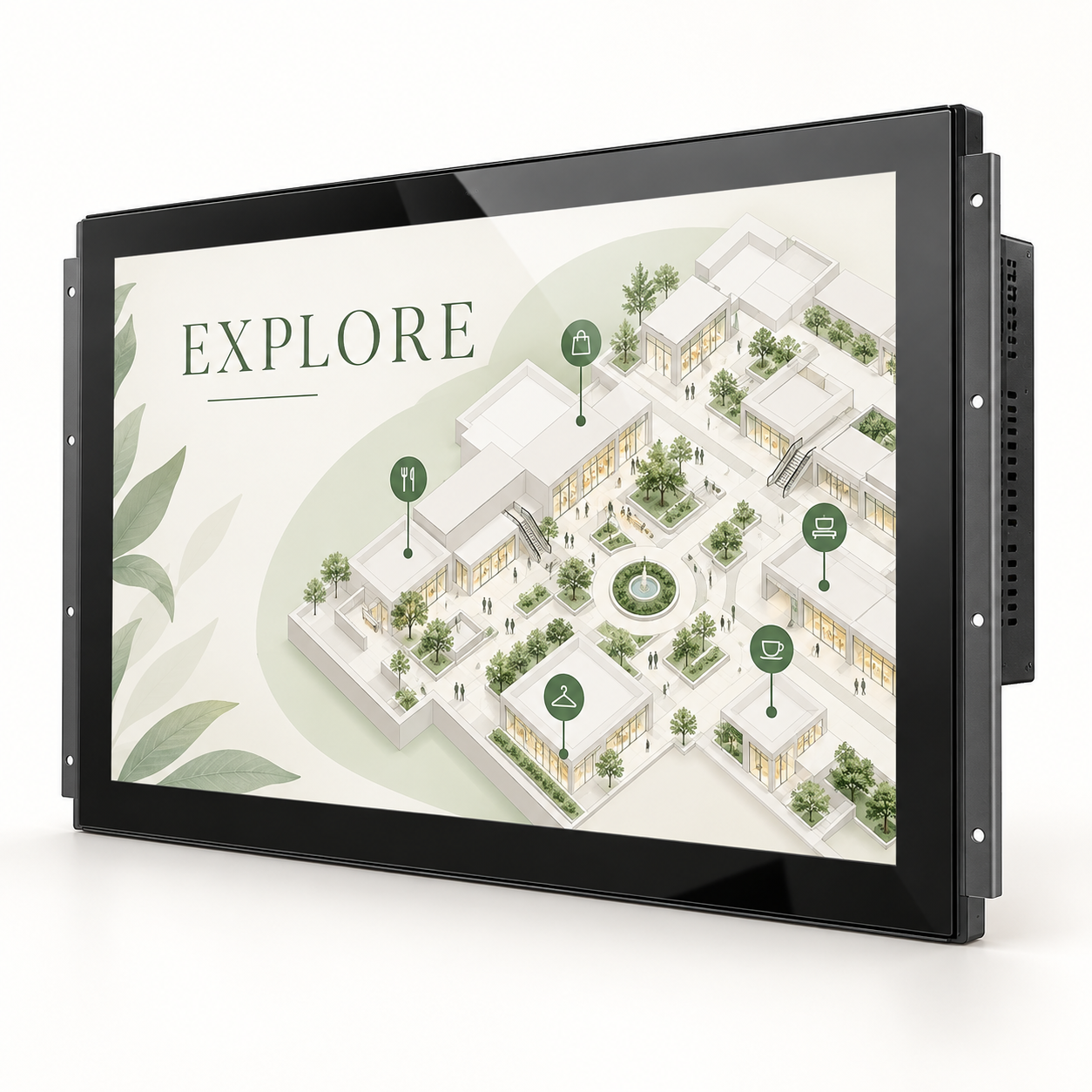
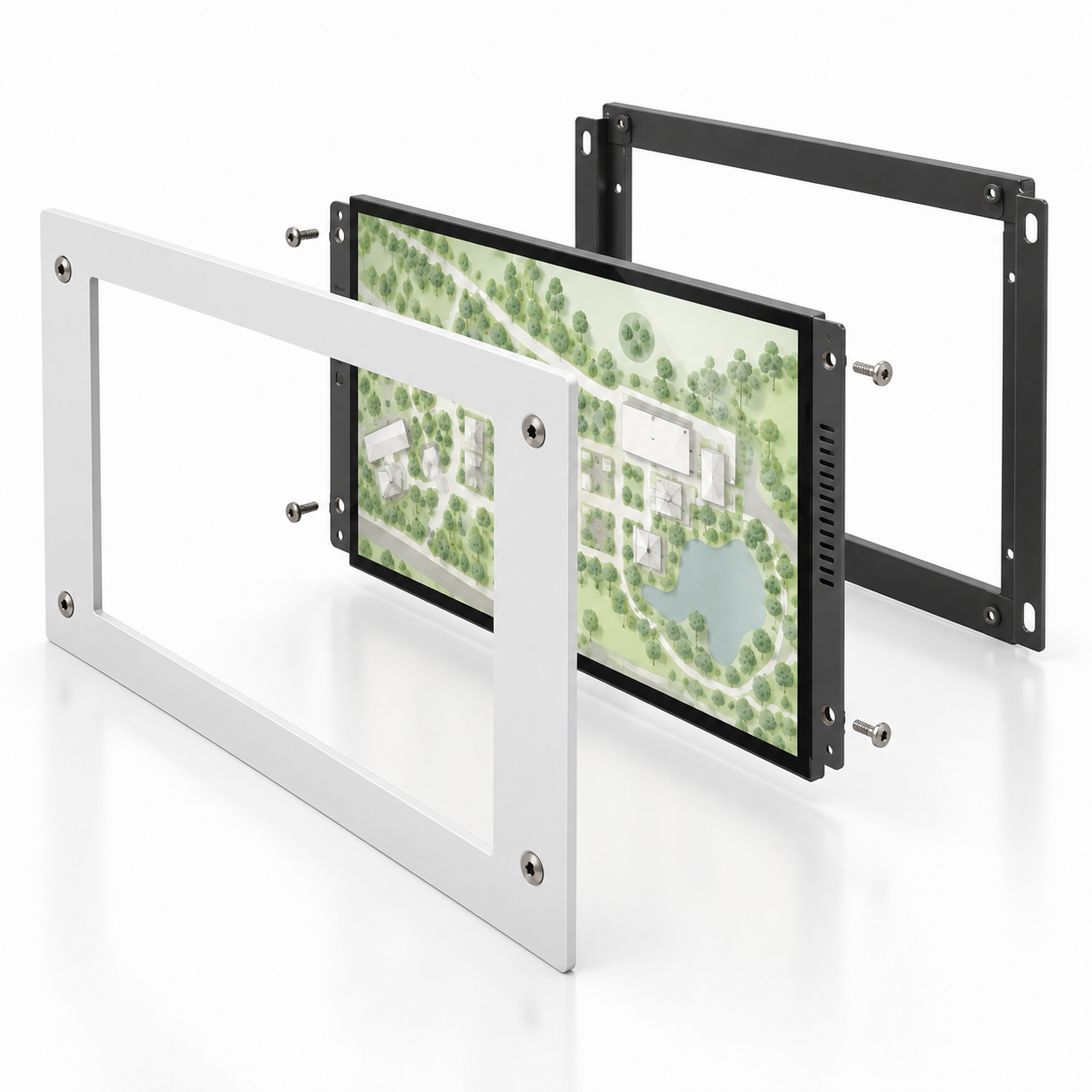
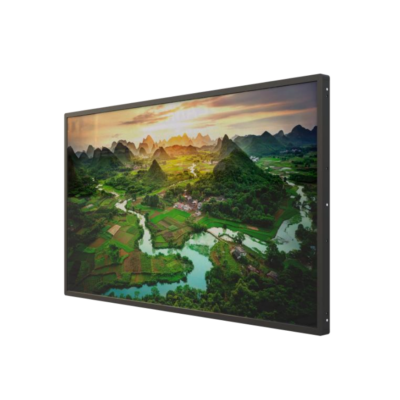
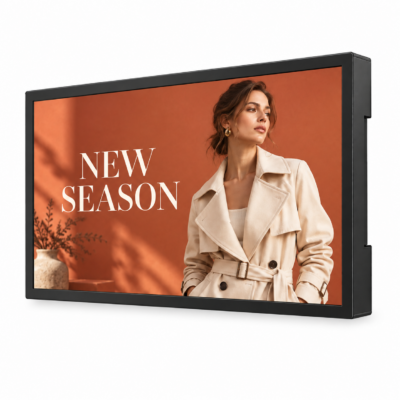
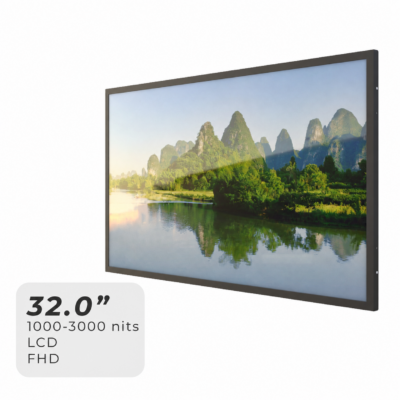
Hyulene’s Custom Semi-Outdoor Embedded LCD Displays are designed for integration into kiosks, self-service terminals, and equipment enclosures used in bright, sheltered environments.
Display, mounting, touch, and control options can be selected around your application.
Whether you are developing a new device or updating an existing cabinet, we help coordinate the display configuration with your mechanical layout and system requirements.
Make the Display Feel Part of Your Product
- A Front View That Looks Considered:
Coordinate the screen opening, front frame, glass, and surrounding panel so the display complements your equipment’s appearance. - Your Interface in Brighter Locations:
Select a high-brightness LCD platform around the ambient light and viewing conditions where the equipment will operate. - Interaction That Fits the Task:
Discuss optional PCAP touch for product selection, information browsing, or other functions delivered by your application software. - Connections Planned Around Your System:
Coordinate the display input, controller configuration, cable access, and available installation space with your equipment design. - A Clearer Path from Design to Sample:
Bring your drawing, cabinet opening, or reference device into the discussion so mechanical and display requirements can be reviewed together.
Configure It Around Your Equipment
Start with the screen opening, available depth, and what the display needs to do.
We’ll help work through the configuration that connects your product concept with a practical integration approach.
| Customization Item | Configuration Options |
|---|---|
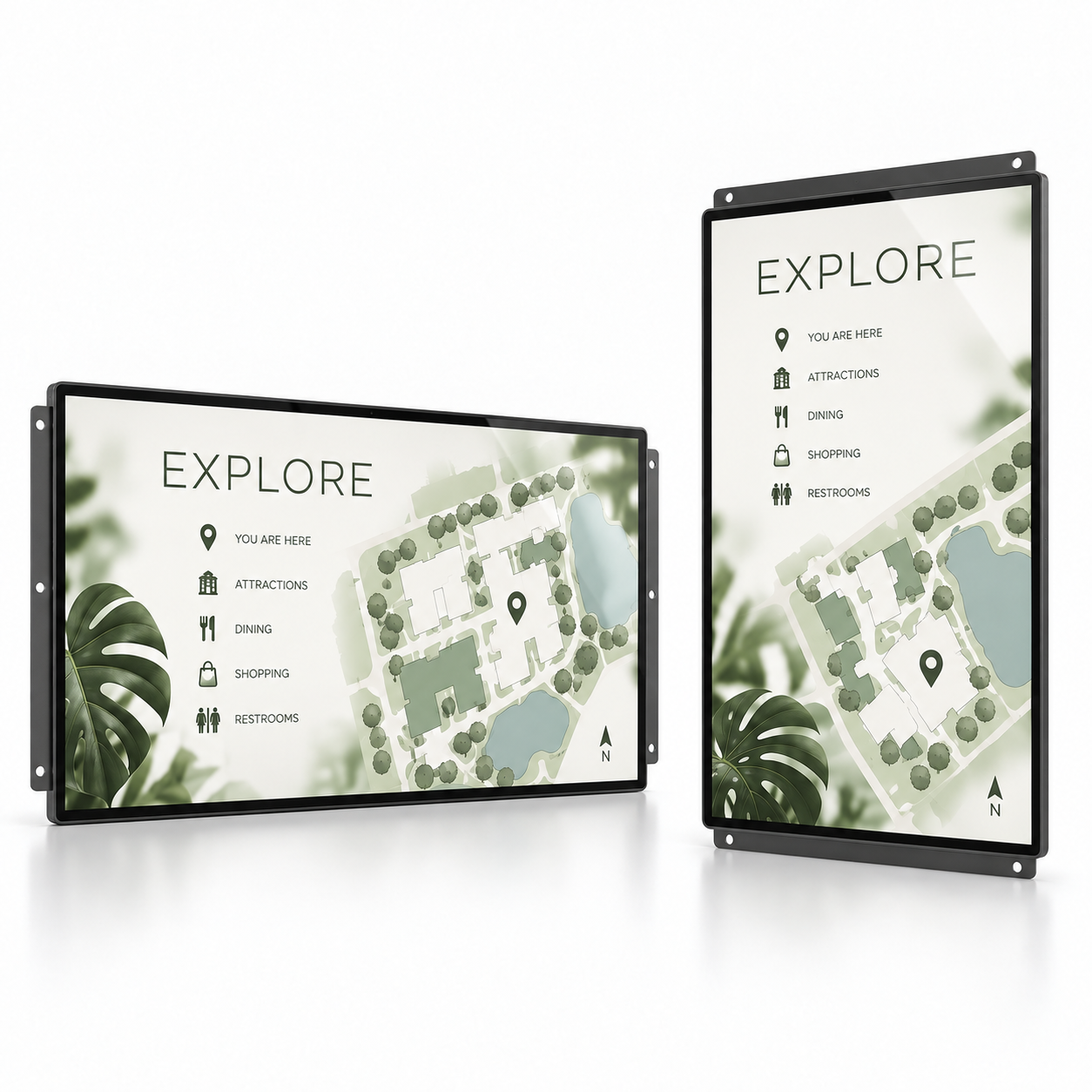
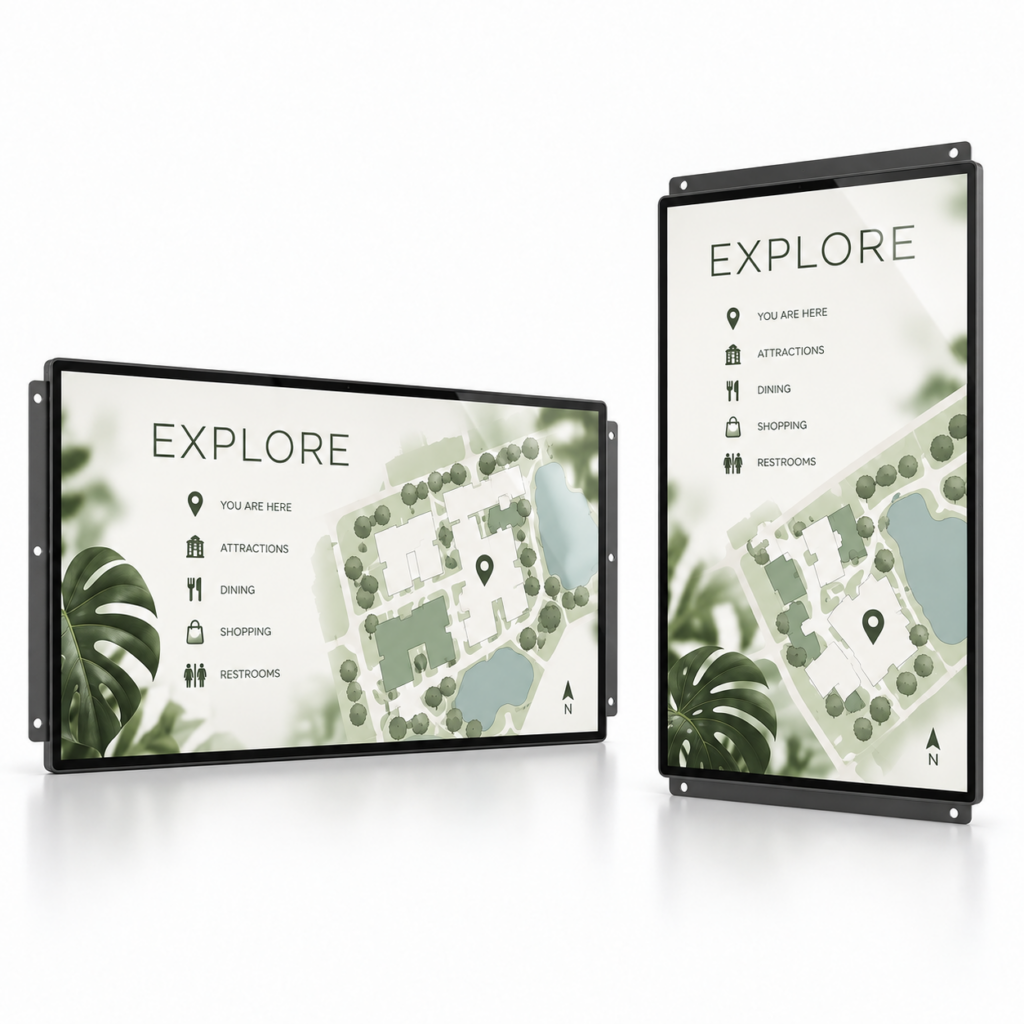
| Screen Size & Orientation | LCD size and landscape or portrait layout selected around the interface and equipment dimensions. |
| Brightness & Resolution | High-brightness and resolution options according to the selected LCD platform and viewing conditions. |
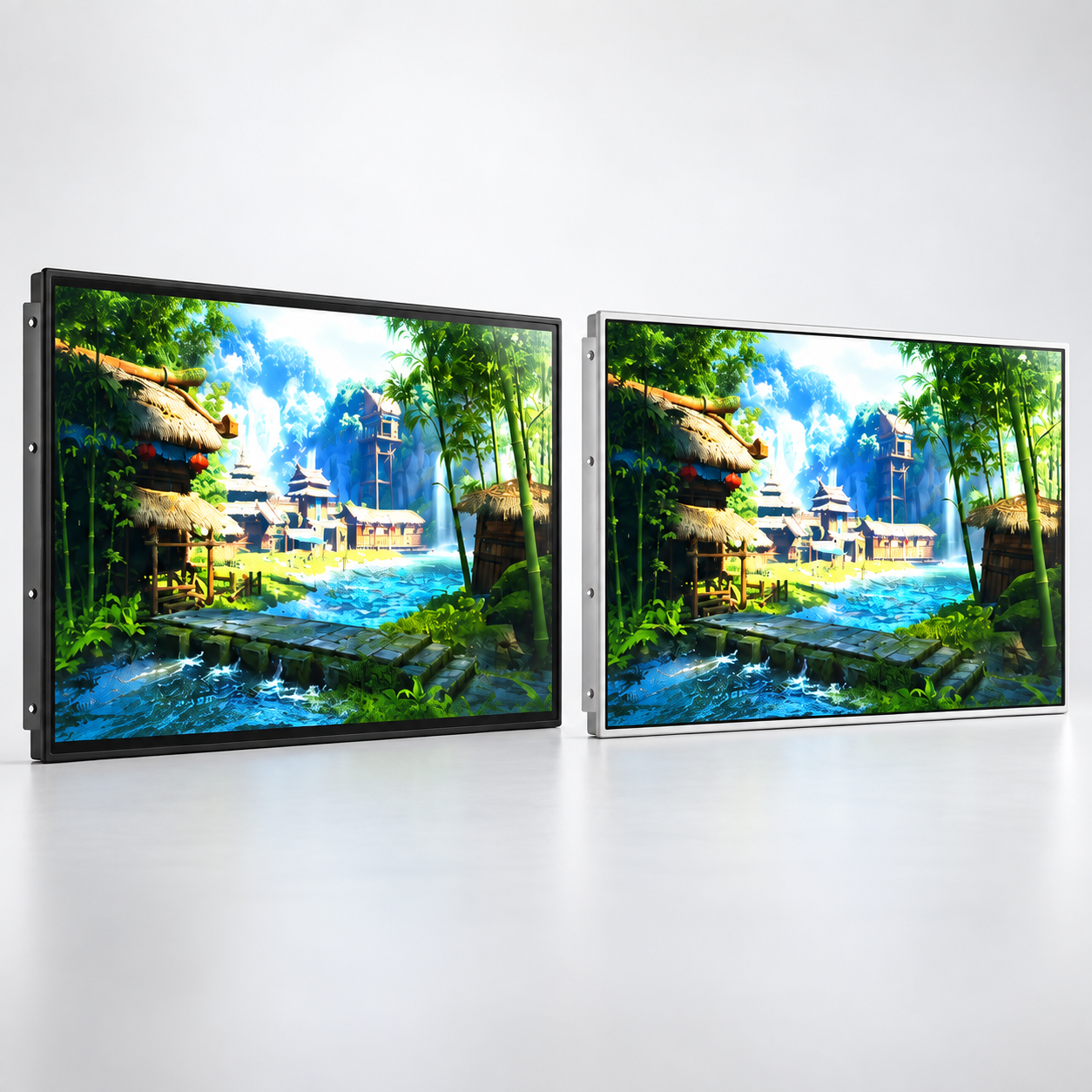
| Front Frame & Opening | Frame dimensions, visible area, finish, and fit with the equipment’s front-panel opening. |
| Mounting Structure | Mounting positions, fixing arrangement, and integration depth reviewed against the cabinet drawing. |
| Touch & Cover Glass | Optional PCAP touch, cover-glass treatment, and optical bonding according to the application. |
| Input & Control | HDMI input or Android / Windows configuration, with connection requirements reviewed for your host system. |
| Brightness Adjustment | Manual control or optional ambient light sensing, with sensor placement coordinated with the enclosure. |
| Thermal & Service Layout | Ventilation space, cable routing, and maintenance access considered alongside the equipment design. |
What Are You Building?
- Self-Service Kiosks:
Integrate a display for ordering, registration, or information access in bright, sheltered locations. - Vending & Retail Equipment:
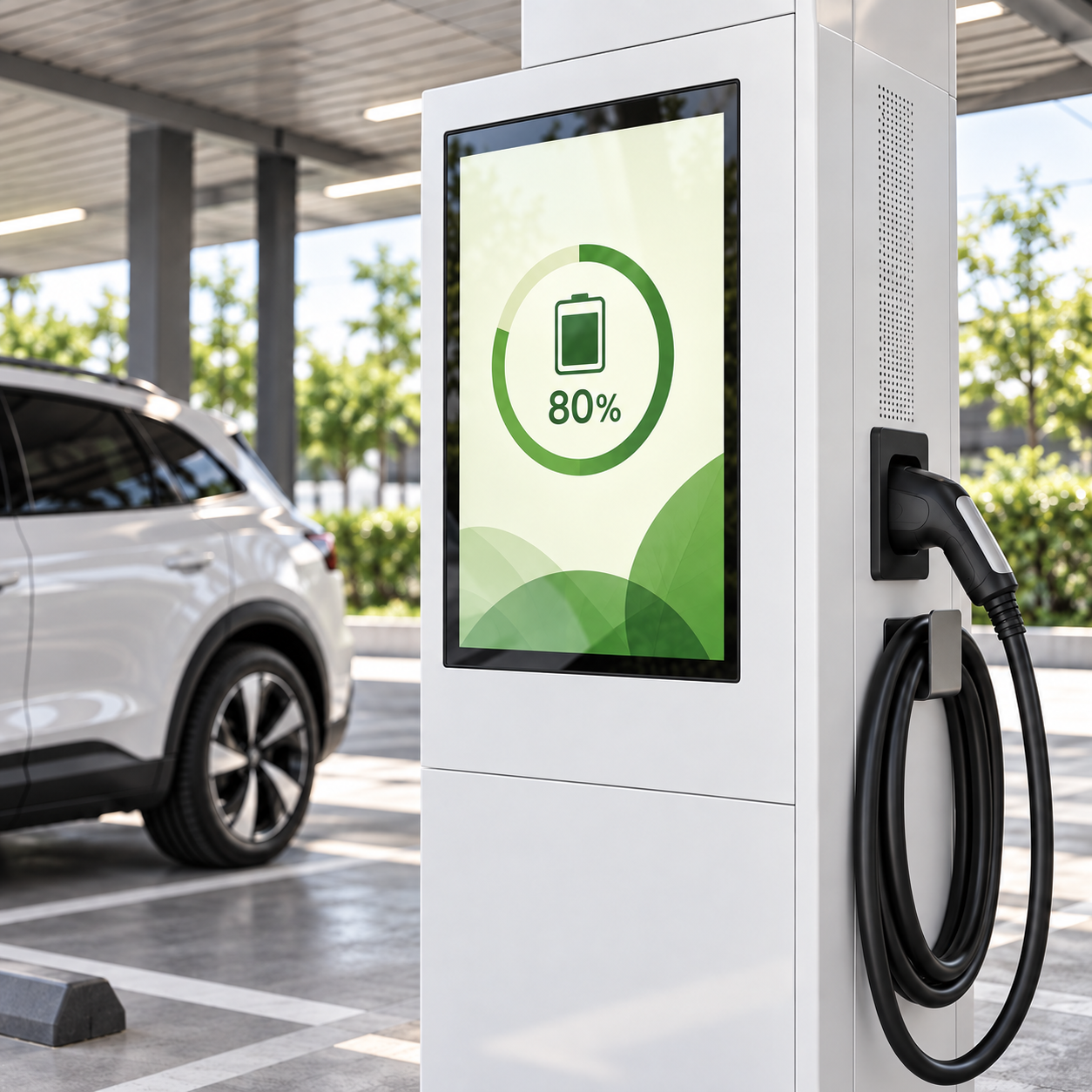
Present product choices, promotions, and operating instructions within your cabinet design. - Charging & Service Terminals:
Provide a display interface for instructions, status information, or promotional content within a suitably designed host enclosure. - Visitor Information Systems:
Build maps, directories, and interactive guidance into custom information terminals. - Equipment Upgrades:
Review a replacement or upgraded display around the existing opening, fixing points, and system connections.
Environmental protection depends on the complete equipment enclosure and installation.
Share the intended location and exposure conditions when discussing the embedded display.
One Example to Bring Your Design into Focus
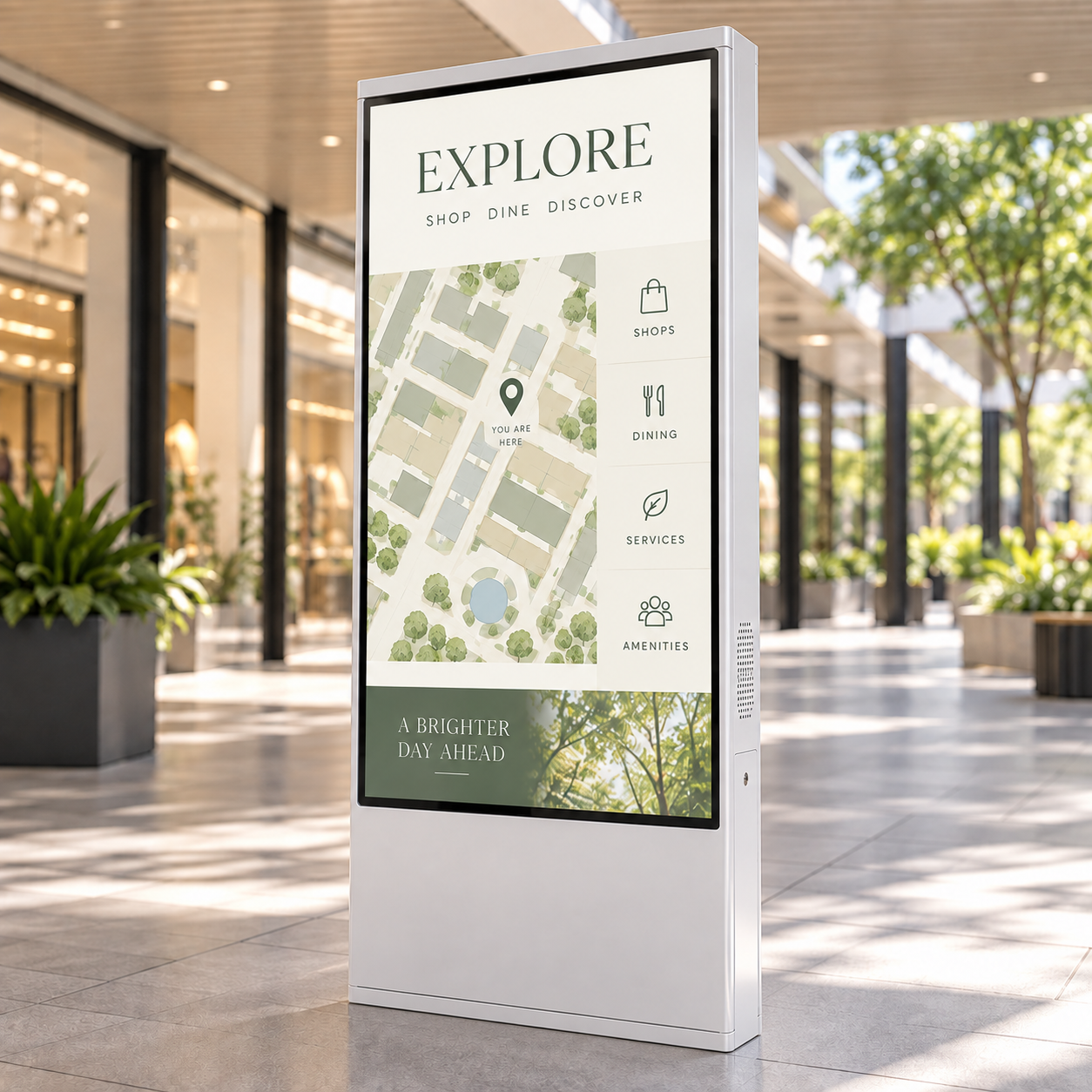
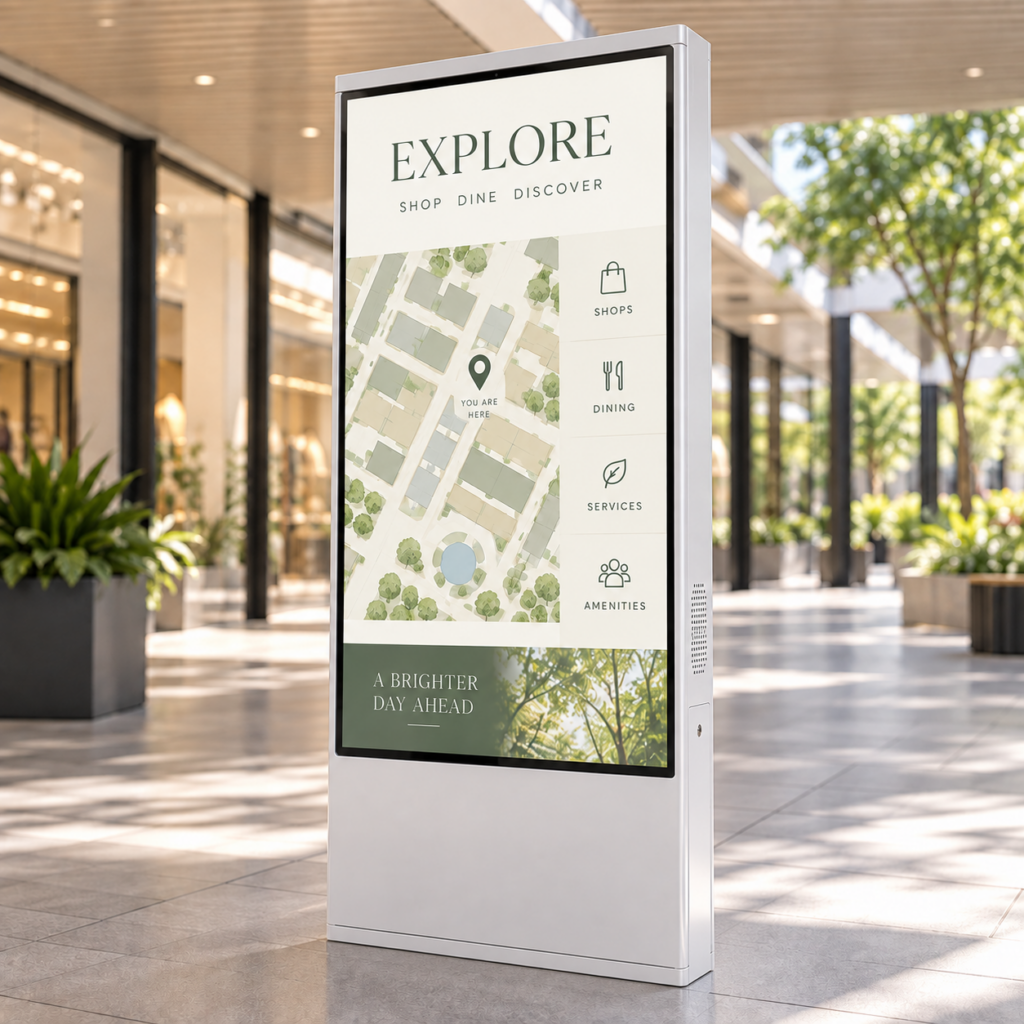
Imagine a 32-inch portrait touchscreen integrated into a self-service terminal in a covered shopping arcade.
The interface aligns with your front-panel design, the brightness suits the location, and the connections are planned around your controller.
This is one possible starting point within the custom range.
| Item | Illustrative Embedded Configuration |
|---|---|
| Display | 32-inch LCD integrated in portrait orientation |
| Brightness | 1500 nits typical semi-outdoor EOM platform |
| Interaction | Optional PCAP touch for the customer’s application |
| Front Assembly | Cover glass and optical-bonding configuration selected around the interface and enclosure design |
| Input & Controller | HDMI input or an Android / Windows configuration |
| Mechanical Integration | Front-frame dimensions, mounting positions, and cable access coordinated with the terminal drawing |
Other sizes, orientations, and brightness configurations can be discussed.
Final dimensions, power requirements, interfaces, and operating conditions are confirmed with the selected configuration.
A Better Fit Starts with Your Drawing
Already have a cabinet design? Share the drawing.
Still developing the concept? A front-panel sketch, reference photo, and approximate dimensions give us a useful starting point.
- Screen opening, available installation depth, and surrounding components.
- Mounting positions, front-frame requirements, and service direction.
- Host controller, display input, touch connection, and power requirements.
- Sunlight exposure, ambient temperature, enclosure ventilation, and moisture conditions.
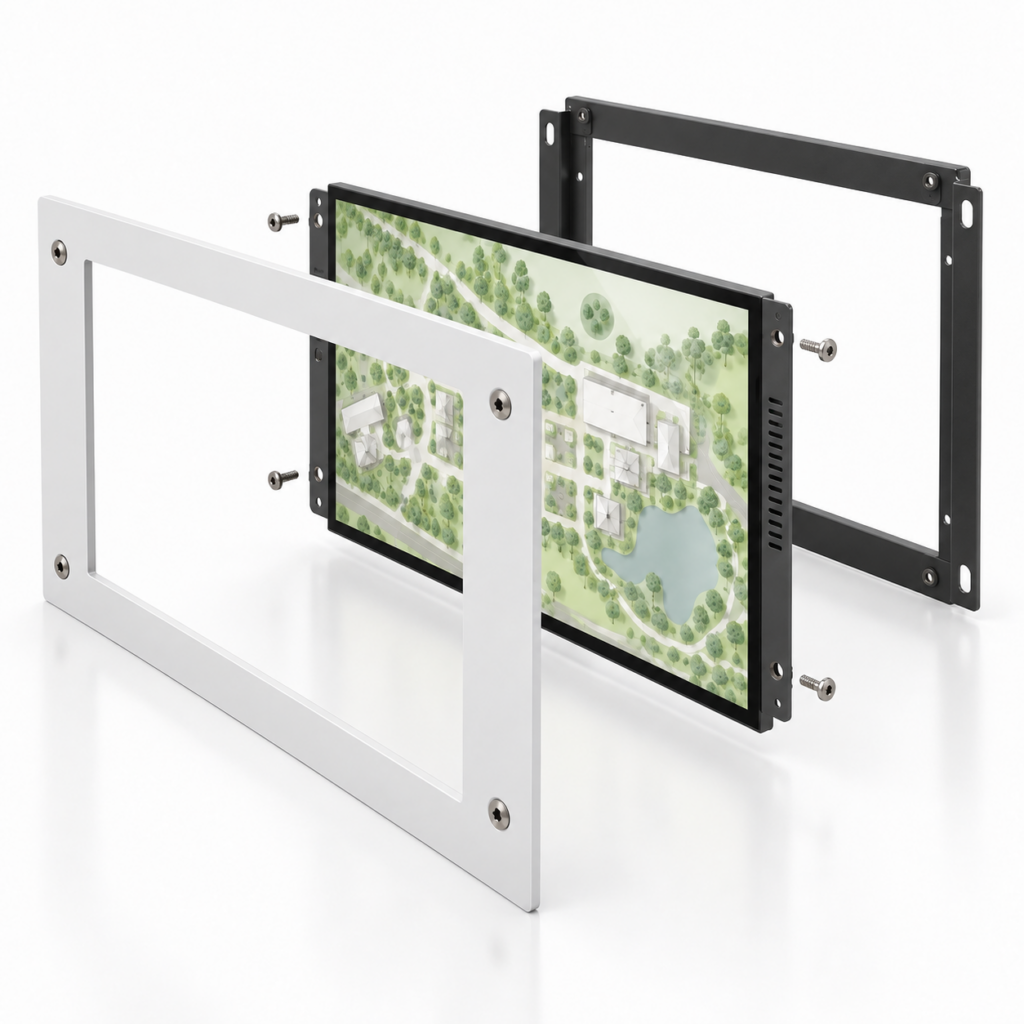
From Your Equipment Concept to a Display Configuration
- Share the Application:
Send your equipment drawing or reference image, intended location, and estimated quantity. - Select the Display:
Discuss screen size, brightness, touch, front assembly, and controller requirements. - Review the Integration:
Confirm the mechanical layout, mounting arrangement, connections, and sample configuration. - Prepare the Project:
Review the quotation, sample evaluation, production, and delivery arrangements.
Your Next Device Starts with a Clearer Display
You have the equipment concept. Let’s shape the display that belongs in it.
Send a drawing, cabinet photo, or a short description of what you are building.
Include the preferred screen size, installation environment, and estimated quantity.
If some details are still open, we can work through them together.
We’ll help turn your requirements into an embedded display configuration and project quotation.
 English
  العربية
  简体中文
简体中文  Français
  Bahasa Indonesia
  Русский
  Español
  Türkçe